# Classic Notepad
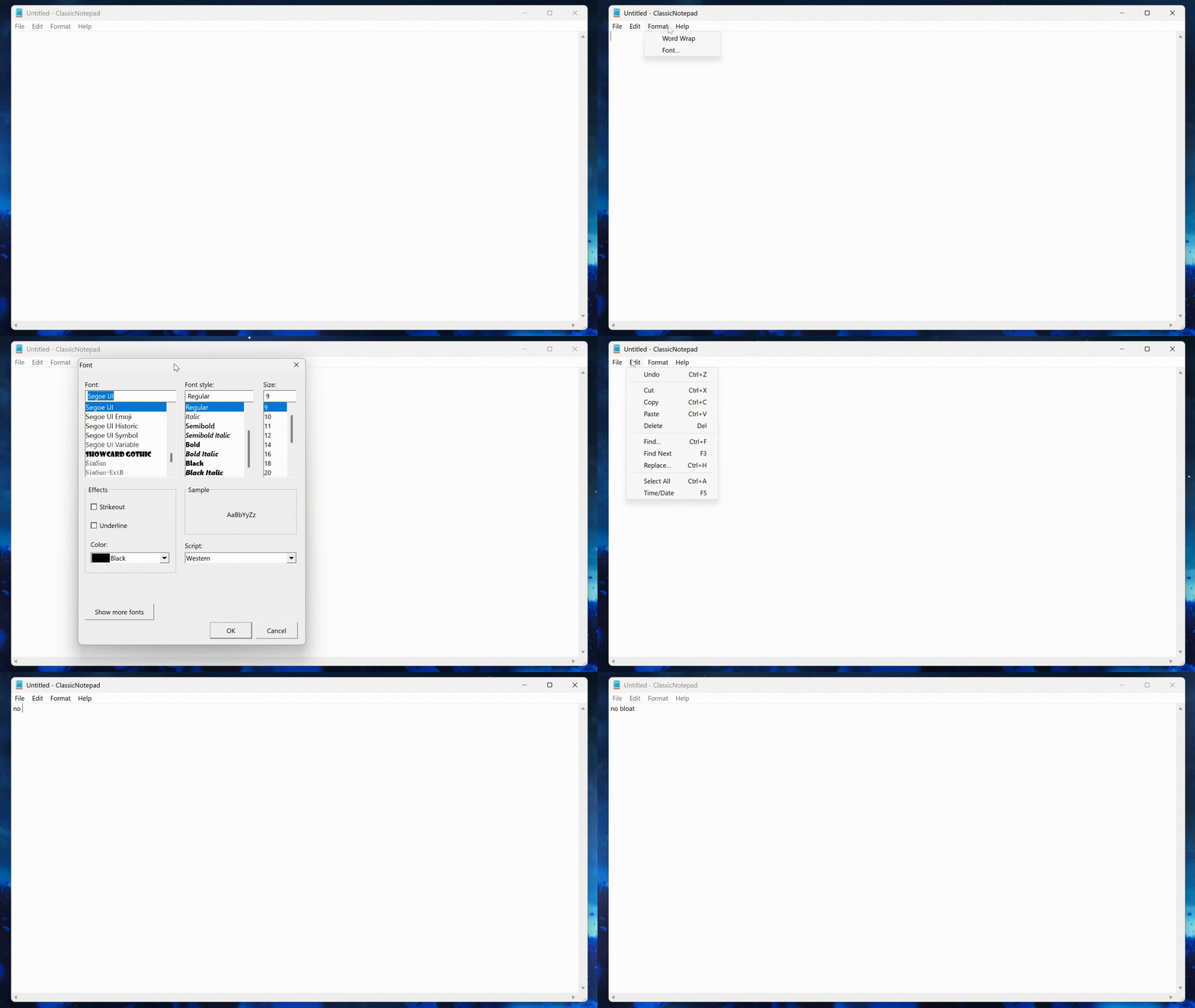
Windows 10 like notepad for windows 11
- Lightweight only 68kb
- No bloat
- No Ai
- No tabs
- No opening previous sessions
# Download
on the Releases tab [Download](https://github.com/acidburnmonkey/ClassicNotepad/releases/download/v1.2.0/ClassicNotepadSetup.exe)
## Post install cleanup
open windows menu -> settings -> remove apps -> uninstall notepad
right click a .txt file and select open with ClassicNotepad always form the programs menu.
---
## Build
Prereqs: MinGW toolchain on PATH (`gcc`, `windres`, `mingw32-make`).
```bash
mingw32-make all
```
Outputs:
- `ClassicNotepad.exe` — main executable
- `notepad.exe` — alias for quick search
Clean build artifacts:
```bash
mingw32-make clean
```
## Run
Launch `ClassicNotepad.exe` (or `notepad.exe`) from the build directory.
### Donate
 ## Monero
  43Sxiso2FHsYhP7HTqZgsXa3m3uHtxHQdMeHxECqRefyazZfpGVCLVsf1gU68jxJBo1G171AC181q1BqAUaG1m554MLsspG
## Bitcon
43Sxiso2FHsYhP7HTqZgsXa3m3uHtxHQdMeHxECqRefyazZfpGVCLVsf1gU68jxJBo1G171AC181q1BqAUaG1m554MLsspG
## Bitcon  bc1qk06cyheffclx7x434zpxjzcdl50452r9ducw0x